
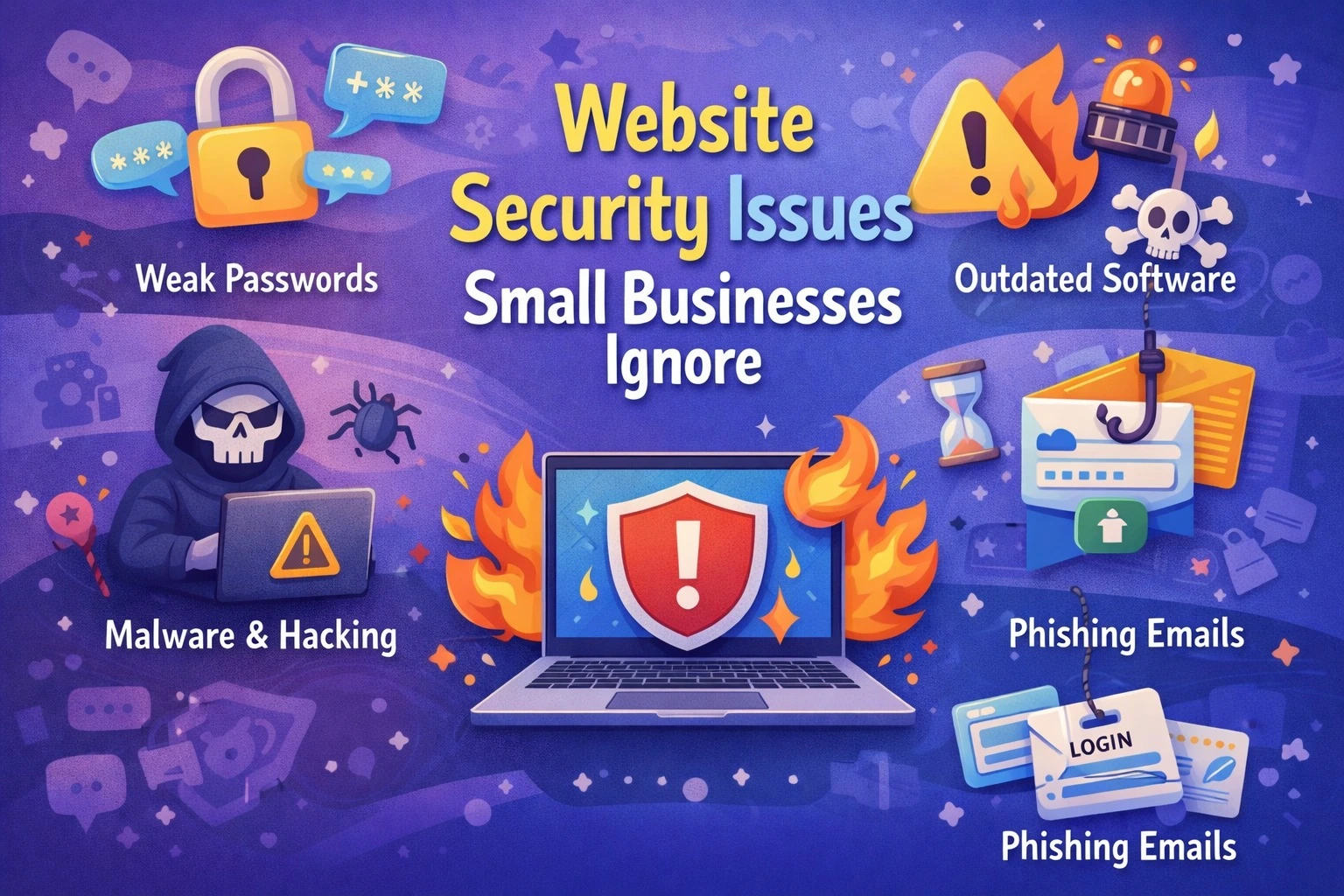
Many small businesses believe website security is only a concern for large companies or e-commerce platforms. As long as the website is live and loading, security often feels like a later problem. Unfortunately, this mindset quietly puts the business at risk.
Website security issues don’t always show up as dramatic hacks. In most cases, they damage trust, SEO rankings, leads, and reputation long before owners realise something is wrong. For small businesses, the impact is often more severe because recovery resources are limited.
Why Small Businesses Are Easy Targets
Hackers don’t only chase big brands. In fact, small business websites are easier to exploit because security updates, monitoring, and backups are often ignored. Many websites are built once and left untouched for years.
Automated bots scan thousands of websites daily, looking for outdated plugins, weak passwords, or missing security layers. When vulnerabilities are found, attacks happen silently without warning emails or visible signs. By the time the issue becomes obvious, business damage has already started.
Common Website Security Issues Small Businesses Ignore
One of the most overlooked issues is outdated software. WordPress cores, themes, and plugins regularly release updates to fix security loopholes. Skipping these updates leaves the door open for attacks that are already well-known to hackers.
Another major problem is weak authentication. Using simple admin passwords, sharing login credentials, or skipping two-factor authentication makes it easy for attackers to gain access.
Many small businesses assume SSL is enough. While HTTPS is essential, it only encrypts data. It does not protect against malware injections, brute-force attacks, or spam scripts.
No regular backups is another dangerous oversight. When a website is hacked, owners often realise there’s no clean backup to restore. This leads to long downtime, lost data, or expensive rebuilds. Malware often goes unnoticed because businesses don’t monitor their website. Infected sites may redirect visitors to spam pages, show warnings in browsers, or silently harm SEO rankings without obvious visual changes.
How Website Security Issues Hurt Business Growth
Security problems don’t just affect the website; they affect the entire business ecosystem.
When Google detects malware or suspicious activity, rankings drop or pages are deindexed. Traffic suddenly falls, and leads dry up with no clear explanation. Visitors who see “Not Secure” warnings or unexpected redirects instantly lose trust. Even loyal customers hesitate to submit forms or call.
Email deliverability also suffers. Contact form spam or compromised servers can cause business emails to land in spam folders, affecting communication and sales follow-ups. Worst of all, reputation damage spreads offline. Customers may warn others, reviews turn negative, and rebuilding trust becomes far harder than preventing the issue in the first place.
Real Case Study: A Small Business Website Hack
A local service-based business noticed a sudden drop in enquiries despite stable traffic numbers. Their website looked normal at first glance, but Google Search Console flagged security warnings.
On investigation, the site was infected with malware through an outdated plugin that hadn’t been updated in over a year. The malware injected spam links into hidden pages, damaging SEO credibility.
The business consequences were serious:
- Google temporarily deindexed several pages
- Enquiry forms stopped working properly
- Visitors were redirected to spam pages on mobile devices
Recovery took nearly two months. Rankings had to be rebuilt, trust had to be restored, and paid ads were used just to maintain leads during downtime.
The cost of recovery was far higher than what regular security maintenance would have cost.
Why Small Businesses Delay Website Security
The most common reason is the belief that “nothing has happened yet.” Security feels invisible when things are working. Another reason is lack of awareness. Many business owners assume hosting providers handle everything, which is rarely true beyond basic server protection. Budget prioritisation also plays a role. Security doesn’t feel urgent compared to marketing or design until something breaks.
Unfortunately, by the time security becomes a priority, damage has already been done.
Simple Security Practices That Protect Business
For small businesses, website security doesn’t have to be complicated or expensive. Most security breaches happen because basic practices are ignored. By implementing simple, consistent measures, you can protect your website, your leads, and your reputation.
1. Keep Software Up-to-Date
Outdated software is one of the most common ways hackers gain access. This includes:
- Content Management Systems (CMS) like WordPress, Joomla, or Drupal
- Plugins, themes, and extensions
- Server software or frameworks
2. Use Strong Passwords and Multi-Factor Authentication
Weak passwords are an open invitation for hackers. Many small business owners reuse simple passwords across multiple platforms.
Best practices:
- Use a mix of uppercase, lowercase, numbers, and symbols
- Avoid using common words or predictable patterns
- Implement two-factor authentication (2FA) for all admin accounts
3. Secure Your Website with SSL
SSL certificates encrypt data transferred between your website and visitors. Without SSL:
- Your site shows “Not Secure” in browsers
- Visitors may abandon forms or checkout pages
- Google may rank your site lower
4. Regular Backups
Even the most secure website can be hacked or crash unexpectedly. Regular backups ensure your business can recover quickly.
Best practices:
- Schedule daily or weekly backups depending on content changes
- Store backups in a secure, separate location (cloud storage or external server)
- Test restoring backups occasionally to ensure they work
5. Monitor Website Activity
Active monitoring helps you spot suspicious behaviour early. Key areas to monitor:
- Login attempts and failed logins
- Changes to core files
- Spam injections or hidden scripts
6. Limit User Access
Not every team member needs admin access. Limiting privileges reduces the risk of accidental or intentional security breaches.
Best practices:
- Assign roles based on tasks (editor, contributor, admin)
- Remove access for former employees or inactive users
- Monitor third-party vendor access regularly
FAQs: Website Security for Small Businesses
Why is website security important for small businesses?
Because small businesses are frequent targets for automated attacks. A single breach can damage SEO, trust, leads, and revenue.
Is SSL enough to secure a website?
No. SSL only encrypts data. It does not prevent hacking, malware, or unauthorised access.
Can a hacked website affect SEO?
Yes. Google may penalise or deindex infected websites, causing traffic and lead loss.
How often should website security be updated?
Updates and security checks should be done monthly at minimum, or immediately when critical patches are released.
What should I do if my website is hacked?
Take the site offline if needed, remove malware, restore from a clean backup, update all software, and strengthen security before going live again.
Final Thoughts
Website security doesn’t have to be overwhelming. By implementing simple, consistent practices like regular updates, strong passwords, backups, and monitoring small businesses can protect their website, leads, and reputation. Security is not just an IT concern; it’s an investment in business growth, ensuring your website remains a trusted tool for attracting and converting customers.
At Pointer Soft Technologies, we help small businesses build secure, high-performing websites that not only protect your data but also drive leads and conversions. With our expertise, you can focus on growing your business while we ensure your online presence stays safe and trustworthy.