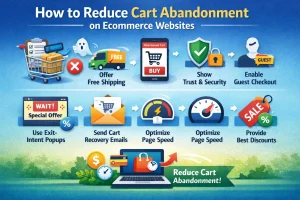
Many e-commerce businesses struggle with the same frustrating problem visitors come to their website, browse products, add items to the cart, and then leave without completing the purchase. High cart abandonment rates, slow product pages, and complicated checkout processes often prevent potential customers from becoming paying buyers.
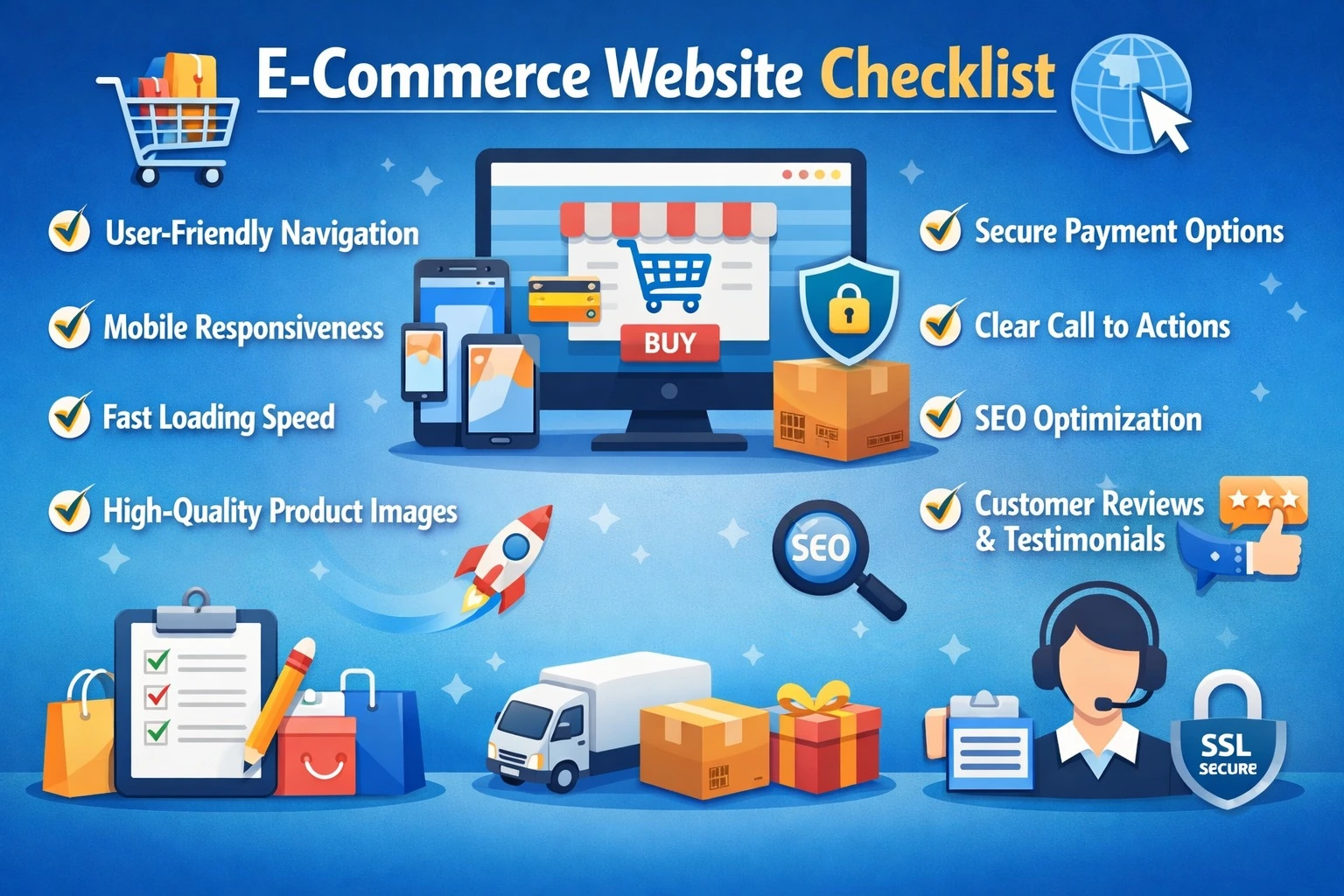
If your online store is not optimized properly, you could lose a significant portion of your sales without even realizing it. From poorly designed product pages to confusing navigation and slow loading speeds, small issues can create a poor shopping experience. This comprehensive e-commerce website checklist will guide you through optimizing every step of your online store from product pages to checkout so your business can boost conversions and sales.
1. Product Page Optimization Checklist
The product page plays a critical role in influencing a customer’s purchase decision. It is the place where visitors evaluate your product, compare options, and decide whether they should buy or leave the website. A poorly optimized product page can confuse customers and reduce trust, while a well-structured product page can significantly improve conversions.
One of the most important elements of a product page is high-quality images and videos. Customers cannot physically examine products online, so clear images from multiple angles help them understand the product better. Adding zoom features and short demonstration videos can further enhance the shopping experience.
Equally important are clear product titles and detailed descriptions. Titles should include relevant keywords so search engines can understand the product and rank it appropriately. Descriptions should explain the product’s features, benefits, specifications, and usage in simple language so customers can make informed decisions. You should also clearly display product variations and stock availability, such as size, color, and quantity options. This helps customers quickly choose their preferred option without confusion.
Adding customer reviews and ratings builds credibility and trust. Many shoppers rely on reviews before making a purchase decision. Displaying real feedback reassures new customers about product quality. Finally, include related products and cross-selling suggestions. Showing complementary products or similar alternatives encourages customers to explore more items and increases the average order value.
2. Category & Navigation Optimization
Website navigation directly affects how easily users can find products. If customers struggle to locate the items they want, they will likely leave the website without purchasing anything. A well-organized navigation structure ensures visitors can browse your store quickly and efficiently.
Start with a clear and intuitive main menu that organizes products into logical categories and subcategories. This structure helps customers explore your store without confusion. Another important navigation feature is breadcrumb navigation, which shows users their current location on the website. Breadcrumbs make it easier for visitors to return to previous categories without restarting their search.
E-commerce websites should also include filter and sorting options. Customers often want to sort products by price, popularity, ratings, or newest arrivals. Filters allow them to narrow down results quickly and improve the overall shopping experience. Since a large portion of online shoppers use mobile devices, your website must also provide mobile-friendly navigation. Responsive menus, easy-to-tap buttons, and simple layouts ensure that mobile users can browse your store comfortably.
3. Checkout Process Optimization Checklist
The checkout stage is the most critical part of the e-commerce journey. Even if customers add products to their cart, a complicated checkout process can cause them to abandon the purchase. Optimizing this step can significantly improve conversion rates.
One of the best practices is offering guest checkout. Many customers prefer to complete purchases quickly without creating an account. Allowing guest checkout reduces friction and speeds up the process. You should also keep checkout forms minimal. Request only essential information such as name, address, and payment details. Long forms often discourage users from completing their purchase.
Providing multiple payment options is equally important. Customers should be able to choose from credit cards, debit cards, digital wallets, and UPI payments. Flexible payment options increase convenience and boost conversions. Clear communication about shipping costs and delivery timelines is also crucial. Unexpected shipping charges at the final step can lead to cart abandonment. If your checkout process involves multiple steps, adding progress indicators helps customers understand how much of the process remains. This reduces frustration and encourages them to complete the transaction. Finally, display trust signals such as SSL security badges and secure payment icons. These elements reassure customers that their personal and financial information is safe.
Case Study
A small electronics e-commerce store improved its checkout performance by simplifying its checkout process. By reducing form fields and enabling guest checkout, the company achieved a noticeable improvement in conversions.
| Metric | Before Optimization | After Optimization | Change |
|---|---|---|---|
| Cart Abandonment Rate | 68% | 40% | -28% |
| Checkout Completion Rate | 32% | 60% | +28% |
| Average Order Value | $75 | $82 | +$7 |
4. Site Speed & Performance Optimization
Website speed plays a crucial role in user experience and search engine rankings. Studies show that users often leave a website if it takes more than a few seconds to load. A slow website not only frustrates customers but also negatively affects SEO performance.
To improve speed, ensure that page loading time stays under three seconds. Faster websites keep users engaged and reduce bounce rates.Another important step is compressing images and videos without compromising quality. Large media files often slow down page loading times.
Using browser caching and a Content Delivery Network (CDN) can further enhance website performance. These technologies store and deliver website data more efficiently, reducing loading times for users across different locations. Since most online shoppers browse through mobile devices, optimizing mobile responsiveness is essential. A mobile-friendly website ensures smooth navigation, faster loading speeds, and better usability on smaller screens.
5. SEO & Content Optimization Checklist
Search engine optimization plays a vital role in attracting organic traffic to your e-commerce website. When your product pages are properly optimized, they can appear in search engine results and bring potential customers directly to your store.
Start by including relevant keywords in product titles, descriptions, and meta tags. These keywords help search engines understand the content of your pages. Implementing product schema markup is another powerful strategy. Schema allows search engines to display rich results such as ratings, price information, and product availability directly in search listings.
You should also create internal links between related products and categories. Internal linking improves website navigation and helps search engines crawl your website more effectively. Adding alt tags to all images is important for both accessibility and SEO. Alt text helps search engines understand image content and improves the chances of appearing in image search results. Maintaining a blog section on your e-commerce website can further strengthen your SEO strategy. Informative blog posts help attract organic traffic and establish your brand as an authority in your niche.
6. Analytics & Tracking
Tracking website performance allows businesses to make informed decisions and continuously improve their online stores. Without proper analytics, it becomes difficult to understand user behavior and identify areas that need improvement.
Setting up Google Analytics and GA4 is the first step toward monitoring website performance. These tools provide valuable insights into traffic sources, user behavior, and conversion rates. You should also track conversion goals such as completed checkouts, newsletter subscriptions, and cart additions. Monitoring these metrics helps identify which pages contribute the most to sales.
Using heatmaps and session recordings can reveal how users interact with your website. These tools show where visitors click, scroll, or drop off, helping you improve layout and navigation. Finally, conducting A/B testing on elements such as call-to-action buttons, page layouts, and checkout steps can help identify which design variations generate better results.
7. Security & Trust Signals Checklist
Security plays a crucial role in building trust with online shoppers. Customers are more likely to purchase from websites that clearly demonstrate their commitment to protecting user data. Installing an SSL certificate and enabling HTTPS ensures that all data transferred between the website and the user remains encrypted and secure.
Your website should also include clear privacy policies and comply with data protection regulations. Transparency about data usage increases user confidence. Displaying return and refund policies prominently can also influence purchasing decisions. Customers feel more comfortable buying when they know they can return products if necessary. Lastly, providing accessible customer support options such as live chat, email, or phone assistance reassures customers that help is available if they face any issues.
Case Study: Optimizing an E-Commerce Website
Scenario: A small fashion e-commerce site struggled with abandoned carts and low conversions. They implemented the full checklist:
| Section Optimized | Action Taken | Result |
| Product Pages | Added videos, reviews, and stock info | +22% conversion |
| Checkout | Reduced form fields, added guest checkout | -25% cart abandonment |
| Site Speed | Compressed images, enabled CDN | Load time reduced from 5s → 2.3s |
| SEO & Content | Added schema, internal links, meta optimization | Organic traffic +30% |
| Security & Trust | Added SSL, trust badges | Increased checkout completion |
Key Insight: A holistic optimization approach across product pages, checkout, speed, and SEO led to overall 30–40% revenue increase in 3 months.
FAQs
Q1: What is the most important factor for an e-commerce website checklist?
A: The checkout process and product page optimization have the highest impact on conversions.
Q2: How can I reduce cart abandonment?
A: Simplify the checkout, offer multiple payment options, and clearly display shipping & trust signals.
Q3: Do mobile-friendly sites really increase sales?
A: Yes, over 70% of online shoppers use mobile devices, so responsive design directly affects conversions.
Q4: Can small businesses implement this checklist themselves?
A: Yes, but for maximum results, hiring professional e-commerce website designers is recommended.
Final Thought
Optimizing an e-commerce website is no longer optional it has become essential for businesses that want to increase conversions, improve user experience, and drive consistent online sales. Even small issues such as slow loading pages, unclear product information, or a complicated checkout process can lead to lost customers and reduced revenue.
By following this 2026 e-commerce website checklist, businesses can systematically improve the most important parts of their online store. From creating well-optimized product pages and simplifying the checkout process to improving website speed and implementing effective SEO strategies, each step contributes to a better shopping experience. When businesses focus on these improvements, they not only attract more visitors but also convert them into loyal customers. A well-optimized e-commerce website ultimately leads to higher customer satisfaction, stronger brand trust, and long-term business growth. If you want expert assistance in building or optimizing your online store, working with an experienced e-commerce website development company can make the process much easier and more effective. At Pointersoft Technologies, businesses can get professional support for creating fast, user-friendly, and conversion-focused e-commerce websites tailored to their goals.